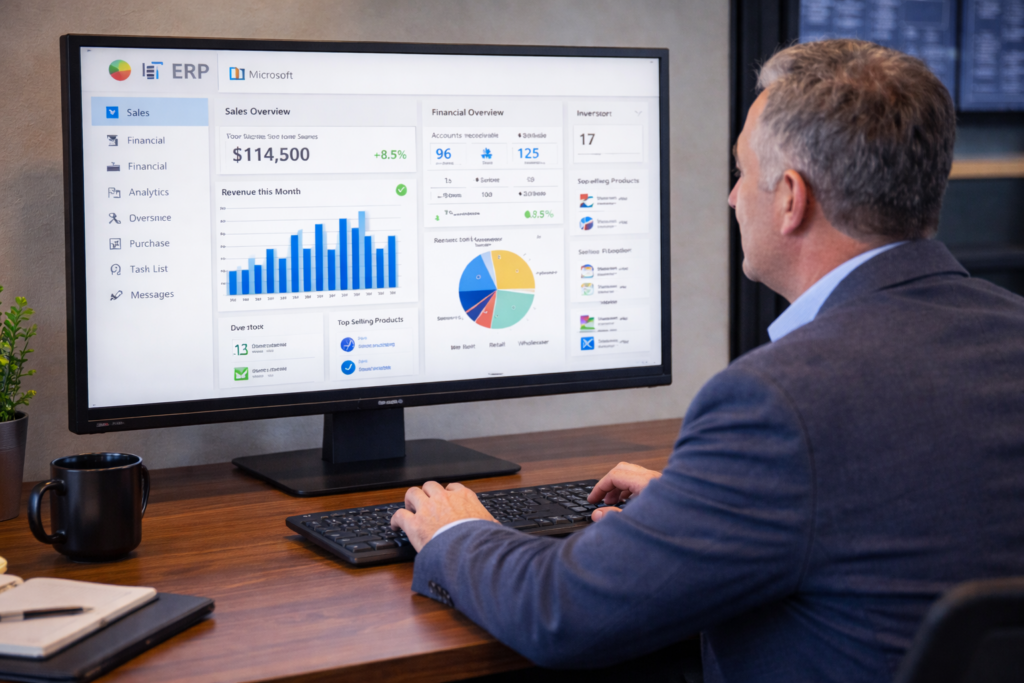
If you’re running a business today, you’re likely dealing with a constant flow of financial data, operational updates, and reporting requirements. The challenge isn’t having access to information — it’s how quickly you can turn that information into action.
That’s where microsoft copilot business central, built into Microsoft Dynamics 365 Business Central, starts to make a measurable difference.
Instead of spending hours entering data, navigating the system, or pulling reports, Copilot helps you move faster, reduce manual effort, and get to the answers you need without unnecessary steps.
What Microsoft Copilot Actually Does in Business Central
At a practical level, microsoft copilot business central works as an AI assistant inside your ERP system.
Rather than relying on manual navigation or specialized knowledge of the system, you can interact with your data more directly. You can ask questions, generate outputs, and receive suggestions based on real-time information.
This is part of the broader shift toward microsoft ai copilot erp, where AI is embedded into business applications to support how work gets done — not disrupt it.
You’re still in control of your processes. Copilot simply removes friction from them.
Where Businesses Typically Start to Slow Down
Most businesses don’t feel inefficiencies all at once. It builds gradually.
As your company grows, the same processes that once worked start taking longer, requiring more effort, and introducing more room for error.
You may start to notice it in areas like data entry, reporting, and internal workflows.
Data Entry and Processing Delays
As transaction volume increases, so does the workload. Entering invoices, updating records, and managing transactions begins to take up more time than expected.
What used to be a simple process can turn into a backlog.
Delayed Access to Insights
Even when your data is accurate, getting answers isn’t always immediate.
You may need to run reports, filter information, and verify results before making a decision. That delay can impact how quickly you respond to opportunities or issues.
Ongoing Corrections and Rework
Manual processes leave room for inconsistencies.
Over time, small errors lead to additional work — whether it’s fixing entries, reconciling discrepancies, or addressing delays caused by inaccurate information.
How Copilot Improves Day-to-Day Operations
This is where business central copilot begins to stand out.
Instead of adding more tools or layers, it works within your existing system to simplify how tasks are completed.
You’re no longer spending most of your time preparing data. You’re spending more time actually using it.
The copilot features dynamics 365 are designed to support the work your team is already doing, including:
- Asking questions in plain language and getting immediate, data-driven answers
- Generating content like product descriptions or summaries without starting from scratch
- Receiving suggestions during data entry to reduce errors and improve consistency
- Viewing financial summaries without needing to build detailed reports manually
These may seem like small improvements individually, but together they create a more efficient workflow across your entire operation.
A Scenario That Reflects What Many Businesses Experience
Let’s say you’re reviewing your financial performance at the end of the month.
In a typical process, this involves pulling multiple reports, checking numbers across departments, and making sure everything aligns. It’s time-consuming and often requires input from several people.
With Copilot in place, that process becomes more streamlined.
Instead of starting from scratch, you request a financial summary directly within the system. Copilot gathers the relevant data and presents it in a structured way, highlighting key figures and trends.
You still review and validate the information, but instead of spending hours collecting it, you’re focusing on understanding it.
That shift alone can significantly improve how quickly decisions are made.
Proving the Operational Impact
Let’s take a closer look at how small time savings can translate into measurable results.
In many businesses, tasks like reporting, data entry, and reconciliation can take several hours per week per employee. When these processes are improved — even slightly — the cumulative impact becomes significant.
For example, consider a team that reduces manual processing time by just 10 hours per week across departments.
Over the course of a year, that equates to more than 500 hours of regained productivity.
Now apply that time toward:
- Faster financial reviews
- More responsive customer service
- Improved operational planning
The result is not just saved time — it’s improved performance across the business.
This is the same principle seen across ai in business central: reducing the time it takes to complete routine tasks leads to more capacity for higher-value work.
A Simple Way to Think About ROI
You don’t need a complex formula to understand the value.
If your team can complete tasks faster without sacrificing accuracy, you effectively increase output without increasing headcount.
Even modest improvements in efficiency can lead to:
- Lower operational costs
- Faster turnaround times
- Better use of internal resources
Over time, these gains compound.
And unlike major system overhauls, this type of improvement happens within the system you’re already using.
The Bigger Shift Toward AI in ERP
What you’re seeing with Copilot is part of a broader transition.
ERP systems are no longer just tools for storing data. They are becoming systems that actively help you interpret and act on that data.
With microsoft ai copilot erp, the goal is simple: reduce the gap between information and action.
Instead of spending time navigating the system, your team can focus on making decisions and moving the business forward.
Getting More Out of Business Central
If you’re already using Microsoft Dynamics 365 Business Central, Copilot isn’t about replacing what you have — it’s about getting more value from it.
When paired with the right implementation strategy and extensions, such as industry-specific solutions like ofsERP, the impact can be even more noticeable.
You’re not just improving individual tasks, you’re improving how your entire system supports your business.
For a deeper look at how Microsoft positions AI within its ecosystem, you can also explore Microsoft Copilot and its broader capabilities across business applications.
Start Consolidating Your Eco System
At the end of the day, microsoft copilot business central is not about adding another feature.
It’s about making your ERP system easier to use, more efficient, and better aligned with how your business operates today.
If you’re starting to feel the strain of manual processes, delayed insights, or increasing complexity, this is one of those changes that can make a real difference—without requiring a complete shift in how your business runs.
And if you’re looking at ways to improve efficiency, reduce operational bottlenecks, and make better use of your data, this is a conversation worth having sooner rather than later.
The key is to start with what matters most to your business today, apply it consistently, and build from there. If you are ready to take your oilfield business to the next level, call 800-455-5915 or schedule a call!